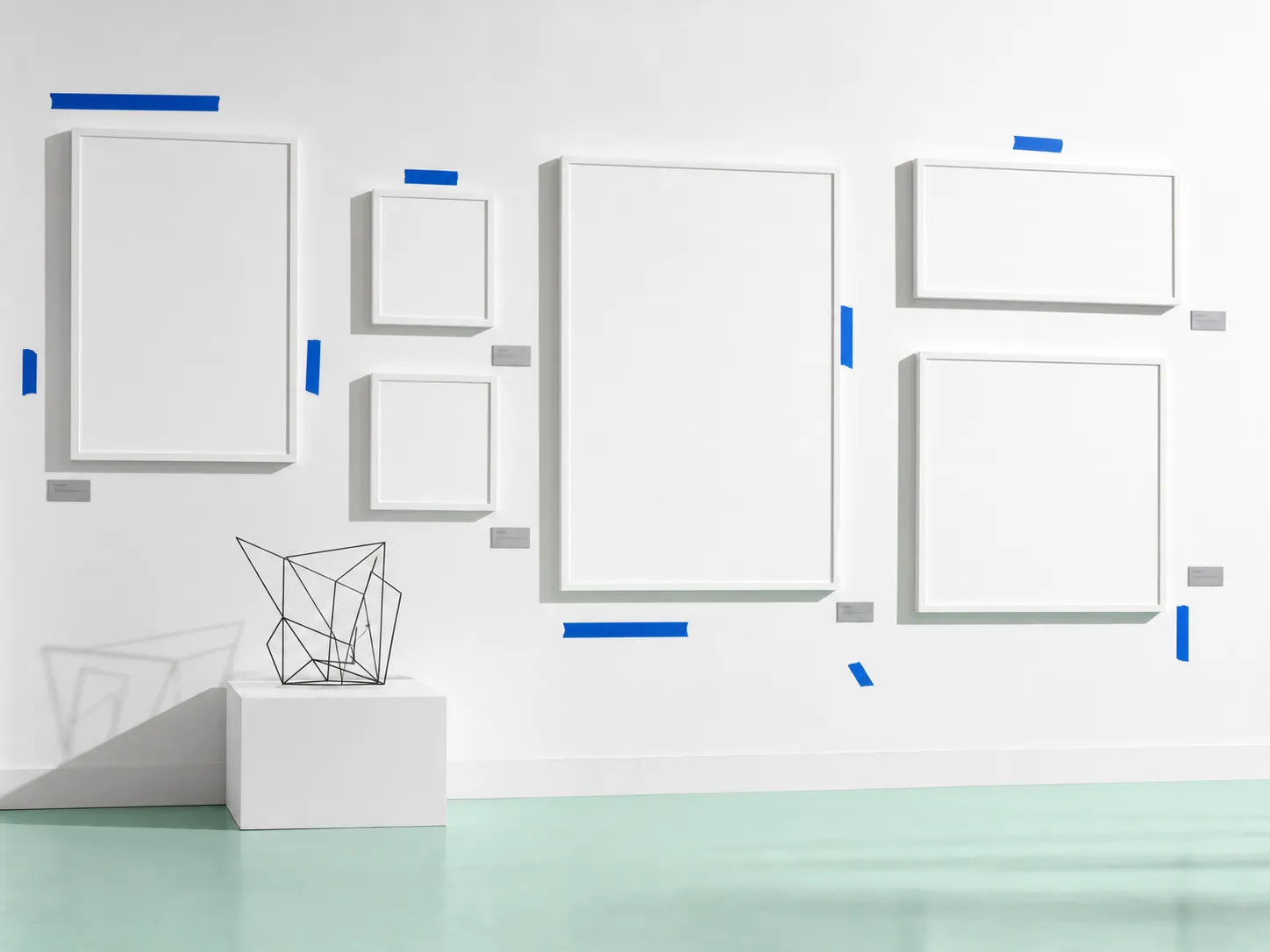
White Cube Installation / Gallery Wall Label
A product surface treated like an exhibition wall: quiet, inspectable, and deliberately unfinished.
White-cube design uses restraint as a wayfinding system. The gallery wall gives each object breathing room, then asks the label, plinth, tape mark, and floor line to explain how the viewer should move. Here, that language fits an issue about agents entering visible workspaces: the canvas is not decoration, it is the room where decisions become observable.
Tooling
Figma gives the agent a room to work in.
Figma’s design agent, announced May 20, is less interesting as a screen generator than as a new operating mode for the canvas. It can explore directions, apply design systems, and handle bulk changes inside the same visual space where designers already judge hierarchy, spacing, and state.
The earlier Figma canvas-for-agents release explains why this matters for web teams: agents can now create and update editable Figma files through the use_figma path instead of treating design as a screenshot to imitate. That turns a design system from a PDF of preferences into a live constraint surface.
The agent’s output gets easier to evaluate when it lands where designers already compare variants, states, and tokens.
The terminal is growing wall labels too.
Digg’s AI tracker surfaced cmux as a fast-rising GitHub project, and the repository reads like a control room built from terminal primitives. A Ghostty-based native app adds vertical tabs, branch metadata, notifications, and an in-app browser so a developer can see which agent needs attention without opening a separate orchestration dashboard.
Technique
Skills are portable labels for judgment.
Lovable’s skills announcement is another version of the same shift. Reusable instructions move repeated judgment out of the prompt stream and into markdown files that people can inspect, edit, and share.
For web design work, the practical move is to write skills as review tools, not just style preferences. A useful skill can say how to judge a homepage at five seconds, how to audit a generated component against design-system rules, or when to stop prompting and inspect the rendered page.
Training is moving toward behavior, not just answers.
Cursor’s Composer 2.5 release frames the model upgrade around long-running work, complex instructions, communication style, and effort calibration. That is a useful distinction for designers: the model’s raw score matters, but a web workflow breaks when the agent cannot explain what changed or choose the right level of effort.
Workflow
Make the drift visible before debating it.
Figma’s Workflow Lab on expanding the canvas shows the strongest pattern for product teams: pull the coded state back into Figma, place it beside the original design, and let the agent annotate what drifted. The output is not a ticket; it is a shared reference.
That is a better review posture for agentic work. Instead of asking whether the generated UI is “good,” the team can ask which state changed, which token drifted, which empty state was never designed, and which new affordance should be kept.
For any AI-built UI, require a paired artifact: rendered code beside intended design, with differences named in the same surface.
Cloud agents need exhibition infrastructure.
Cursor’s May 21 cloud-agent notes argue that the development environment is becoming the product. Long-running agents need durable execution, machine state, conversation state, credentials, network policy, and enough visible context for humans to understand what happened after the run.
Prompt Lab
Recreate this page.
Paste this into your AI design or build tool to reproduce this issue's visual system.
Design a single self-contained HTML page as a white-cube gallery installation, museum wall labels for a daily briefing. The content is a daily design-news briefing: a top nav, an issue masthead with number, date, and read time, a hero headline with a one-line deck, a boxed art-direction note, numbered sections of linked news items with one or two sentences of context each, one pullquote, a monospace prompt block, a sources list, and a colophon.

Treatment: pure gallery white #F8FAF7 walls over a pale mint floor plane; the hero pairs a large serif exhibition title with one framed plate image; section numbers set like accession labels; items as graphite wall-label cards #42494F on white with generous margins; strips of cobalt #0B63CE painter's tape as the only marking accent; ink #121416.

Type: Instrument Serif for exhibition display, Libre Franklin for body, IBM Plex Mono for accession-style metadata.

Guardrails: body text at least 18px with line height 1.6 or more, prose in the body face and never in monospace, line length 60-75 characters, WCAG AA contrast on every surface, hover and focus states on real links, decoration in the margins and panels rather than under running prose, no fake readable text in images, and no default AI styling (no purple-blue gradients, no glow, no pill-shaped everything). Whitespace is the medium: wide margins, few rules, tape used at most four times.
Works in v0, Lovable, Bolt, Figma Make, Beaver Builder AI, or as a Claude / GPT system brief.
Field Note
The frontier is not only more capable agents. It is better rooms for the work: canvases, terminals, skills, sidebars, and screenshots that let people see what the agent saw and decide what should survive.
That is good news for designers. The more visible the agent’s workspace becomes, the more design judgment can move from taste correction after the fact to structure before the run.
Sources
- Figma BlogThe Figma Design Agent is Here
- Figma BlogAgents, Meet the Figma Canvas
- Figma BlogWorkflow Lab: Expanding the Canvas with Figma MCP
- Cursor BlogWhat we’ve learned building cloud agents
- Cursor BlogIntroducing Composer 2.5
- Lovable BlogTurn repeated instructions into reusable skills in Lovable
- Digg AIAI news, before it trends
- GitHubmanaflow-ai/cmux