Today's Art Direction
Victory Garden Risograph
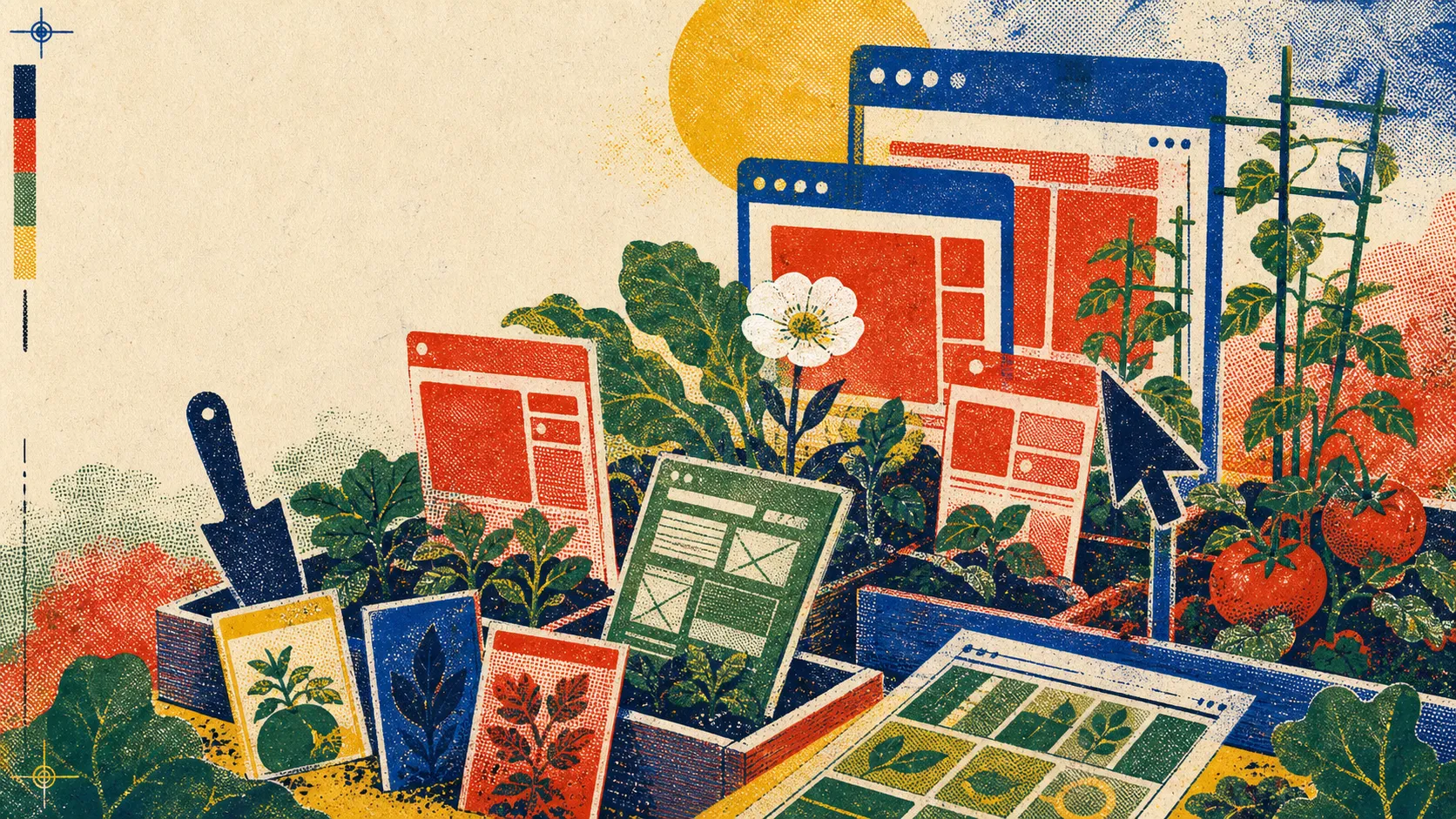
A civic garden poster printed in loud, imperfect ink: crop rows, seed packets, overprint drift, and one remembrance bloom.
Victory Garden Risograph borrows from homefront garden posters, seed catalogs, community zines, and small-run civic printing. Its vocabulary is optimistic but handmade: saturated spot colors, visible halftone grain, misregistered layers, and plant forms that turn interface panels into things being cultivated.
The Memorial Day note stays present without becoming martial. The page celebrates service through care, repair, food, tools, and shared work rather than flags or combat imagery; the single white flower holds the remembrance tone while the rest of the system restores visual energy.
Overprint Drift
Seed Packet
Crop Row
Tomato Red
Remembrance Flower
Halftone Soil
§02 Technique
Leave the constraint where the agent can see it.
The brief should be pinned to the artifact.
The paper Constraint Decay: The Fragility of LLM Agents in Backend Code Generation is a useful warning for designers, even if it is aimed at backend code generation. Long agent runs can drift from the rules that made the task coherent at the start.
The design translation is practical: keep success criteria, visual constraints, non-goals, and review notes attached to the surface being edited. A screenshot with marks, a selected Figma layer, or a visible checklist is stronger than a rule buried six turns back.
Make state cheap to inspect.
Agents fail most expensively when the environment hides state. For design systems, that means component names, selected variants, token values, responsive breakpoints, and error states should be inspectable where work happens.
For small teams, the move is modest: name layers like someone will query them, keep the current hypothesis close to the mockup, and make approval status visible in the page or file rather than in a separate chat thread.
The surface that carries the work should also carry the reason for the work.
§03 Workflow
A surface-aware review loop.
Start with the object, then ask.
Open the artifact first: the page in a browser, the Figma frame, the Android preview, or the production admin screen. Mark the visible issue on the surface before asking the agent to act.
Then give one outcome and one boundary. “Tighten this card stack without changing the archive grid” is better than “make this cleaner,” because it names both the work and the protected area.
Run a three-pass check.
Pass one is visual: compare the marked surface to the result. Pass two is semantic: confirm headings, links, labels, and source references still mean what they said before. Pass three is persistence: save the accepted decision where the next agent or teammate will find it.
This is where today’s tooling news lines up. App-window context, canvas-native design agents, and mobile build previews all reduce the friction of showing the agent the real object, but teams still need the discipline of writing down the accepted constraint.
Practical move
When you approve an agent change, add one sentence to the artifact explaining what constraint was preserved. Future runs will have something concrete to inherit.
§04 Prompt Lab
Recreate this page.
Paste this into your AI design or build tool to reproduce this issue's visual system.
Design a single self-contained HTML page as a victory-garden risograph poster crossed with a civic seed packet. The content is a daily design-news briefing: a top nav, an issue masthead with number, date, and read time, a hero headline with a one-line deck, a boxed art-direction note, numbered sections of linked news items with one or two sentences of context each, one pullquote, a monospace prompt block, a sources list, and a colophon.

Treatment: sun-gold paper #F4E2B8 with a faint crop-row line pattern in the ground; overprinted riso inks in navy #132A4A, garden green #236E44, and tomato red #E34B2D with visible print grain; the art-direction note as a seed packet with a labeled front panel; blue stamped section labels; tomato-red offset shadows on cards; one poster-style hero plate above the fold.

Type: Bagel Fat One for chunky seed-packet display lettering, Newsreader for body, Work Sans for poster labels, a monospace for registration captions.

Guardrails: body text at least 18px with line height 1.6 or more, prose in the body face and never in monospace, line length 60-75 characters, WCAG AA contrast on every surface, hover and focus states on real links, decoration in the margins and panels rather than under running prose, no fake readable text in images, and no default AI styling (no purple-blue gradients, no glow, no pill-shaped everything). Overprint texture stays under display and panels, never under body text.
Works in v0, Lovable, Bolt, Figma Make, Beaver Builder AI, or as a Claude / GPT system brief.
§05 Field Note
The next interface is a record.
The strongest agent interfaces are beginning to feel less like blank prompt boxes and more like annotated worktables. That is good news for designers: the craft shifts from writing perfect instructions in the abstract to making the work surface legible, inspectable, and hard to misread.
On a weekend shaped by civic remembrance, that feels like the right lesson. A record is not decoration. It is how future work knows what mattered.
§06 Sources
Links used today.