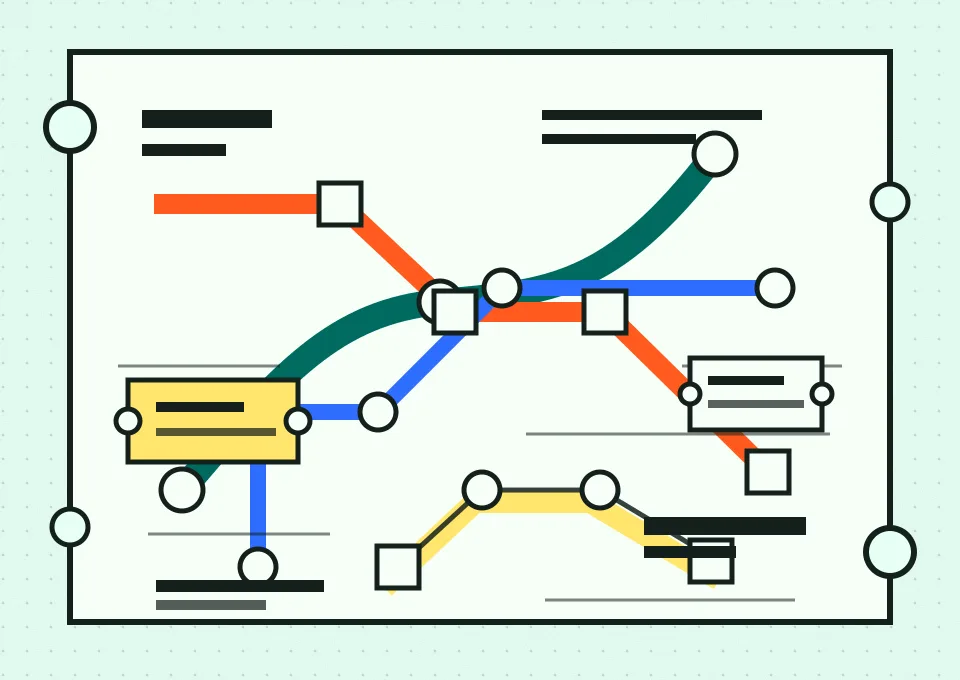
Metro Transfer Map / Ticket Kiosk System
A transit grammar for work that has to move cleanly between stops.
Transit-map design turns complex systems into a sequence of visible decisions: route, transfer, stop, and exit. Its graphic language is blunt because the reader is often moving, distracted, or late. For agentic interfaces, the same vocabulary helps distinguish where automation is traveling, where a human can intervene, and which surface owns the next action.
The review surface is getting built into the tool.
Figma puts the agent on the canvas.
Figma's design agent is rolling out in beta inside Figma Design, where it can start from a selected layer, generate several directions in parallel, apply design-system context, and keep the output editable by hand. The important shift is location: the agent is not a separate prompt box asking designers to translate the canvas into words.
Vercel turns chat cards into action gates.
Vercel's Chat SDK now includes AI SDK tools, wiring read and write actions into chat agents with presets and approval defaults. A companion update lets buttons and modal submissions resume a paused workflow through callback URLs, which makes the chat card a real review station rather than a decorative message.
The durable interface is not the prompt. It is the handoff surface where the agent asks for a decision and shows enough context for that decision to be credible.
Make the transfer points explicit.
Start with the place of review.
If the output will be judged in Figma, Slack, a pull request, or a browser preview, design the agent loop around that surface first. The action should arrive where the evidence already lives.
Separate generation from approval.
Claude Code's current permission documentation distinguishes modes for editing, planning, auto decisions, and pre-approved non-interactive work. Treat those as interface states, not just command flags.
Keep the route inspectable.
When a workflow pauses for a button click, form submission, or design-system choice, label what the agent has already done and what it is asking permission to do next.
A useful loop: generate wide, transfer narrow.
Use the canvas for exploration.
Figma describes a wide-to-deep pattern: ask the agent for multiple directions, compare them in the file, then continue by hand once the strongest direction is visible. That is a good default for design work because it keeps taste, system fit, and layout judgment on the same surface.
Use chat cards for commitment.
Vercel's callback flow is strongest when the agent has reached a commitment point: send the status report, approve the deployment, create the issue, or cancel the action. The card should be short because its job is not exploration; its job is transfer.
The prompt starts the trip, but the review surface decides whether the work changes lines.
Recreate this page.
Paste this into your AI design or build tool to reproduce this issue's visual system.
Design a single self-contained HTML page as a metro transfer map and ticket kiosk, transit signage for a daily briefing. The content is a daily design-news briefing: a top nav, an issue masthead with number, date, and read time, a hero headline with a one-line deck, a boxed art-direction note, numbered sections of linked news items with one or two sentences of context each, one pullquote, a monospace prompt block, a sources list, and a colophon.

Treatment: mint fare-ticket stock #E6FFF5 with punched-edge perforations on cards; section numbers as transfer stops connected by a blunt route line running down the page; a kiosk-style nav; a three-cell route metadata strip in the masthead; the art-direction note as a yellow fare card; transit teal #006B5F lines and signal orange #FF5A1F transfer dots; ink #14201C.

Type: Archivo Black caps for display, Atkinson Hyperlegible for body, Fraunces italic for one editorial signal, IBM Plex Mono for route labels.

Guardrails: body text at least 18px with line height 1.6 or more, prose in the body face and never in monospace, line length 60-75 characters, WCAG AA contrast on every surface, hover and focus states on real links, decoration in the margins and panels rather than under running prose, no fake readable text in images, and no default AI styling (no purple-blue gradients, no glow, no pill-shaped everything). The route line is structural, drawn once, connecting real sections.
Works in v0, Lovable, Bolt, Figma Make, Beaver Builder AI, or as a Claude / GPT system brief.
The agent interface is becoming infrastructure.
Recent safety research on overeager coding agents shows why the review surface has to carry scope, not just output. If the boundary only exists in the prompt, the interface is asking memory to do the work of signage.
The next useful agent UI will feel less like a magic text box and more like a station map: clear route, visible transfers, named stops, and obvious exits.
Primary links for the day.
- Digg AI rankings — live AI-Twitter and GitHub-stars signal scan.
- The Figma design agent is here — Figma product announcement, May 20, 2026.
- Figma product news and release notes — May release notes covering agent workflows and Make updates.
- Chat SDK now includes AI SDK tools — Vercel changelog, May 20, 2026.
- Chat SDK now supports callback URLs on buttons and modals — Vercel changelog, May 20, 2026.
- Run Claude Managed Agents with Vercel Sandbox — Vercel changelog, May 18, 2026.
- Choose a permission mode — Claude Code documentation.
- Overeager Coding Agents: Measuring Out-of-Scope Actions on Benign Tasks — arXiv paper submitted May 18, 2026.